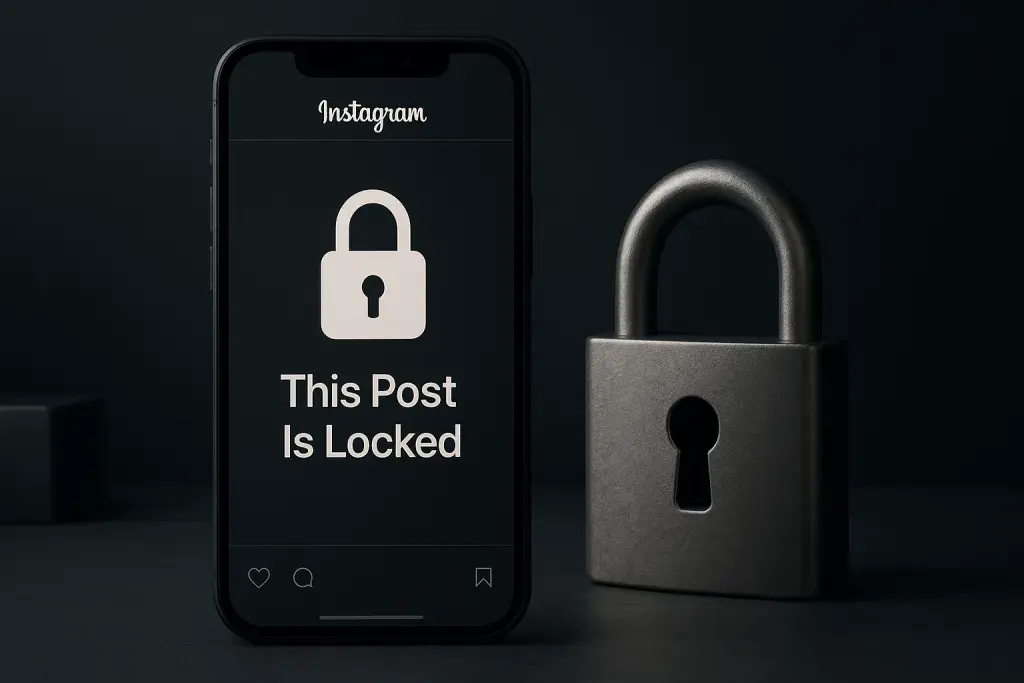
A padlock icon on a photo you actually want to see is one of the more effective attention-grabbing tricks Instagram has introduced in years. It stops the scroll cold. You want to know what's behind it, and the only way to find out is to follow, subscribe, or otherwise prove you belong in that creator's inner circle. This small mechanic has quietly changed how some accounts build engagement, and it has left plenty of regular users confused about why they suddenly cannot see a post their friend shared.
Instagram locked posts have moved from a limited test to a feature that creators actively factor into their content planning. The premise is simple on the surface: certain posts stay hidden or blurred until a viewer meets a condition set by the creator, usually following the account. But the practical effects ripple outward. A locked post behaves differently depending on account size, audience habits, and how the underlying algorithm treats gated content. For smaller accounts, growing a genuine audience first matters more than ever, and understanding how to boost your instagram presence often determines whether a locked post attracts new followers or simply frustrates casual viewers who give up and scroll past.
What follows is a complete look at how this feature works, what has changed heading into 2026, and how to use it without sabotaging your own reach.
What Are Instagram Locked Posts?
An Instagram locked post is content the creator has restricted so that only followers, or in some cases only people who take a specific action, can view it fully. Non-qualifying viewers typically see a blurred thumbnail and a prompt explaining what they need to do to unlock the content. It is a gate, not a deletion - the post exists in full for anyone who meets the creator's condition.
This is different from a private account, where every post is hidden from non-followers by default and there is no selective unlocking per post. It also differs from Close Friends, which restricts visibility to a hand-picked list rather than to anyone who simply follows the account. Instagram locked posts sit in a middle ground: public discoverability of the fact that a post exists, combined with a barrier to actually viewing it.
- Requires a specific action, most commonly following, to unlock the full post
- Shows a blurred or partially obscured preview to non-qualifying viewers
- Controlled through a toggle in the post settings, separate from account-wide privacy
- Distinct from private accounts, which block all non-followers from all content
- Distinct from Close Friends, which limits visibility to a curated list rather than gating by follow status
Instagram introduced this mechanic as a response to a familiar problem: creators wanted a way to reward loyal followers and convert casual browsers into actual audience members, without going fully private. The feature gives them a middle path.
Instagram Locked Posts Explained: How the Feature Works
Understanding the mechanics from both sides of the screen makes the rest of this guide easier to apply. The feature behaves differently depending on whether you are the person viewing a locked post or the one who created it.
The Viewer's Experience
When a non-follower encounters a locked post, they see a blurred version of the image or video along with a message indicating what action unlocks it - usually following the account. Tapping the prompt initiates a follow request or follow action, after which the content becomes visible immediately if the account is public, or once the request is accepted if the account is private. There is no partial preview beyond the blur; the caption may or may not be visible depending on the creator's settings.
The Creator's Setup Process
Setting up a locked post happens at the point of publishing, through the audience or privacy settings attached to that specific post.
- Create the post as usual, selecting the photo, video, or carousel.
- Open the audience or privacy settings before publishing.
- Select the option to restrict visibility to followers only, or to another qualifying condition Instagram offers at the time.
- Confirm the restriction and publish the post.
- Return to the post later to adjust or remove the lock if the settings allow post-publication edits.
Limitations and Technical Boundaries
Locking a post does not make it immune to screenshots, screen recordings, or a follower simply forwarding the image through direct message. The feature controls initial visibility, not what happens after someone gains access. Treat it as a growth and engagement tool rather than a security measure. Anyone planning to lock sensitive or confidential content should assume that a determined follower can still copy and share it outside the app.
Instagram Locked Posts 2026: What's New This Year
The feature has matured since its early rollout, and the version available heading into 2026 reflects lessons Instagram appears to have learned from creator feedback and usage patterns. The core mechanic - blur until unlocked - remains the same, but the surrounding tools have become more refined.
Creators now have more granular control over which specific posts qualify for locking, rather than a blanket account-level setting. Analytics tied to locked posts have also become more visible to creators, giving a clearer picture of how many viewers hit the paywall-style prompt versus how many converted into follows. This matters because earlier versions of the feature offered little insight into whether locking a post actually drove new followers or simply reduced total views.
| Feature Aspect | Earlier Version | 2026 Update |
|---|---|---|
| Audience targeting | Account-wide, limited flexibility | Per-post selection with more precise conditions |
| Conversion visibility | Minimal or no data on unlock-to-follow rates | Clearer analytics showing viewer-to-follower conversion |
| Integration with other tools | Largely standalone feature | Closer alignment with subscription and monetization settings |
These refinements suggest Instagram treats locked posts as a retention and growth mechanism, not a novelty. Creators running paid subscriptions or tiered content have more reason to use locked posts strategically now that the analytics back up the decision-making.
Instagram Locked Posts News: Recent Trends and Reactions
Reaction to the feature has been mixed since it expanded beyond initial testing. Creators who rely on exclusivity - course educators, niche hobbyists, community builders - have adopted locked posts enthusiastically, since the mechanic rewards the audience-building work they were already doing. Casual users, on the other hand, often express frustration at hitting a locked post shared by a friend or a public figure they have no intention of following long-term.
- Some creators report the gate feels like an effective nudge for undecided followers
- Others worry that locking too many posts pushes casual viewers away entirely rather than converting them
- Critics point to the follower-count pressure the feature creates, since a locked post only performs well once an account already has meaningful reach
- Discussion continues around whether locked posts reduce overall discoverability by limiting how far a post spreads through shares and reposts
The broader pattern points to a feature still finding its equilibrium. Educational and niche-community accounts tend to benefit most, while accounts chasing viral, broad-reach content generally avoid locking anything that depends on wide, immediate visibility.
How to Use Locked Posts Strategically
Locking a post only works in your favor when the content and the audience match the mechanic. The feature rewards accounts that already have some momentum, since a lock in front of zero existing interest simply blocks the post from being seen at all.
- Exclusive tutorials or how-to content that rewards followers for sticking around
- Behind-the-scenes material that reinforces a sense of community for existing followers
- Early access previews of products, launches, or announcements
- Content built specifically to convert casual browsers into committed followers
Not every post benefits from a lock. Time-sensitive announcements, breaking news relevant to your niche, or anything meant to spread as widely as possible should stay open. A locked post trades reach for conversion, and that trade only makes sense when conversion is the actual goal.
Compare the options directly: locking a post gates a single piece of content behind a follow action, Close Friends limits an entire post to a hand-picked list regardless of follower status, and going fully private restricts an entire account from anyone outside your approved followers. Each tool solves a different problem, and choosing the wrong one either overexposes sensitive content or unnecessarily blocks casual audience growth. Pairing locked posts with active follower growth efforts tends to produce the best results, since the mechanic depends on having an audience worth unlocking content for in the first place.
Common Mistakes and Risks to Avoid
The most frequent mistake is locking too much content, which trains an audience to expect friction every time they visit a profile. Overuse turns a growth tool into a deterrent. Another common misstep is assuming a locked post guarantees privacy - it does not, since any follower can still screenshot or forward the content once unlocked.
- Locking posts before building any meaningful follower base, which limits conversion potential from the start
- Ignoring the analytics available for locked posts, missing signals about whether the strategy is working
- Treating the lock as a security feature rather than a growth and engagement tool
- Neglecting audience growth first, then wondering why a locked post underperforms
Algorithmic reach can also suffer if a post is locked too aggressively, since fewer non-followers engage with content they cannot fully see. Weigh the conversion benefit against the reach cost before locking anything meant for a broad audience.
Table: Locked Posts vs. Other Instagram Privacy Options
| Feature | Who Can See It | Setup Effort | Best Use Case | Reversibility |
|---|---|---|---|---|
| Locked Post | Followers or viewers meeting a specific condition | Low, set per post at publishing | Converting casual viewers into followers | Often reversible after publishing |
| Private Account | Approved followers only, for all content | Low, set once at account level | Full account privacy | Reversible anytime |
| Close Friends | Hand-picked list, regardless of follow status | Moderate, requires list curation | Sharing with a trusted, specific circle | Reversible per post or list update |
Questions and Answers
Can I lock an existing post, or only new ones?
Locking generally applies at the time of publishing rather than retroactively to old posts. If you want to restrict something already live, check whether the post-editing options in your account allow adjusting audience settings after the fact, since this can vary.
Do locked posts affect my Instagram algorithm reach?
Yes, indirectly. Since non-followers cannot fully view the content, engagement from that group drops, and lower engagement typically translates into reduced distribution. Locking a post trades some reach for a stronger conversion signal from interested viewers.
Can someone bypass a locked post without following?
There is no reliable, sanctioned way around the follow requirement. Some viewers attempt workarounds through third-party tools or shared screenshots from followers, but these do not unlock the post through legitimate means and often violate platform terms.
Is there a cost associated with locking posts?
Locking a post is a built-in setting, not a paid feature on its own. It becomes relevant to monetization when paired with subscription tools, but the basic lock-and-unlock mechanic does not require payment.
How is this different from Instagram Subscriptions?
Instagram Subscriptions gate content behind a paid tier, while a locked post simply requires following the account at no cost. Subscriptions target monetization directly; locked posts target follower growth and engagement.
Will locked posts keep changing in future updates?
Given how much the feature has shifted since its introduction, further refinement is likely as Instagram continues adjusting analytics, targeting options, and integration with other monetization tools. Staying current on updates helps creators adjust strategy as the mechanic evolves.